
7 Best Cold Email Software of 2026
Most cold emails fail before anyone reads them. Not because the message is bad, but because they never make it to the inbox.
Email providers are smarter now.
Send 100 emails from one account in 10 minutes?
You’re marked as spam.
Use the same domain that everyone on your team uses?
Blocked.
The solution isn’t better writing. It’s better technology.
The best cold email software spreads your sends across multiple accounts, rotates your messaging, and keeps your domains healthy. It’s like having an entire team of email accounts working together instead of one overworked inbox.
I’ve tested all the cold email software available in the market and picked the 7 best email marketing solutions that can keep your emails safe and deliver your emails to the inbox (not the spam folder).
Let’s have a look at each of these tools.
Table of Contents
What Actually Makes Cold Email Outreach Software “Good”?
Before you swipe your credit card, you need to know what you are paying for.
In the past, we bought cold email software for its User Interface (UI).
Today, we buy it for its sending logic.
When evaluating the list below, I used these four non-negotiable metrics:
- Unlimited Seats/Inboxes: Does the tool penalize you for adding more email accounts? If they charge per inbox, they are discouraging best practices. You need multiple inboxes to scale safely.
- Unified “Master” Inbox: Can you manage replies from 50 different email addresses in one single chat window? If not, your SDRs will quit.
- AI Warm-up Network: Does the tool automatically send and reply to fake emails between its user base to keep your domain reputation high? This is mandatory.
- Spintax Support: Can the tool spin variations of your sentences (e.g., “Hi”, “Hello”, “Hey there”) to ensure no two emails are identical?
The Top 7 Cold Email Software (Ranked & Reviewed)
1. Smartlead (The Agency Standard)
If you run a lead generation agency or a high-volume internal sales team, Smartlead is widely considered the current market leader in cold email marketing software.
It’s also one of the cheapest cold email software.
They disrupted the industry by making “unlimited mailboxes” the standard, forcing everyone else to catch up.
Smartlead treats email accounts as “infrastructure” rather than “users.”
It allows you to load up 50, 100, or 500 email accounts and rotate them automatically. If one account has a dip in deliverability, Smartlead can pause it and route traffic to the others without stopping your campaign.
Key Features:
- Unlimited email accounts: Connect as many Google/Outlook/SMTP accounts as you want.
- Auto-warmup: A sophisticated warm-up pool that mimics human conversation to keep Sender Scores high.
- Client portal (white label): For agencies, you can give clients a branded dashboard so they can see results without seeing the “messy” backend.
- API-first: Extremely robust API for connecting with CRMs like HubSpot or Salesforce.
Smartlead’s “Master Inbox” is the best I’ve used. It aggregates replies from all your domains into one view, and crucially, it allows you to categorize leads (Interested, Meeting Booked, OOO), which can trigger webhooks to update your CRM instantly.
2. Instantly.ai (The Growth Hacker’s Choice)
Instantly is the closest competitor to Smartlead and is often preferred by founders and growth marketers who value speed and UX (User Experience) in a cold email marketing tool.
They grew from $0 to a massive ARR in record time by simply building what the community asked for.
The interface is buttery smooth. Setting up a campaign in Instantly feels less like “IT work” and more like modern marketing.
Their analytics dashboard provides a “Campaign Pulse” that instantly tells you if your open rates are dipping below the safety threshold.
Key Features:
- Unlimited warm-up: Massive pool of warm-up inboxes.
- Unibox: Centralized inbox for managing leads.
- Instantly B2B lead finder: Unlike Smartlead, Instantly has a built-in database of leads (similar to Apollo), so you can find and email prospects in one place.
- Blocklist monitoring: Alerts you if your domain hits a blacklist.
Their “Campaign Analytics” is superior for A/B testing. You can easily compare Subject Line A vs. Subject Line B across 20 different sender accounts to see which one is actually performing.
3. Lemlist (The Personalization King)
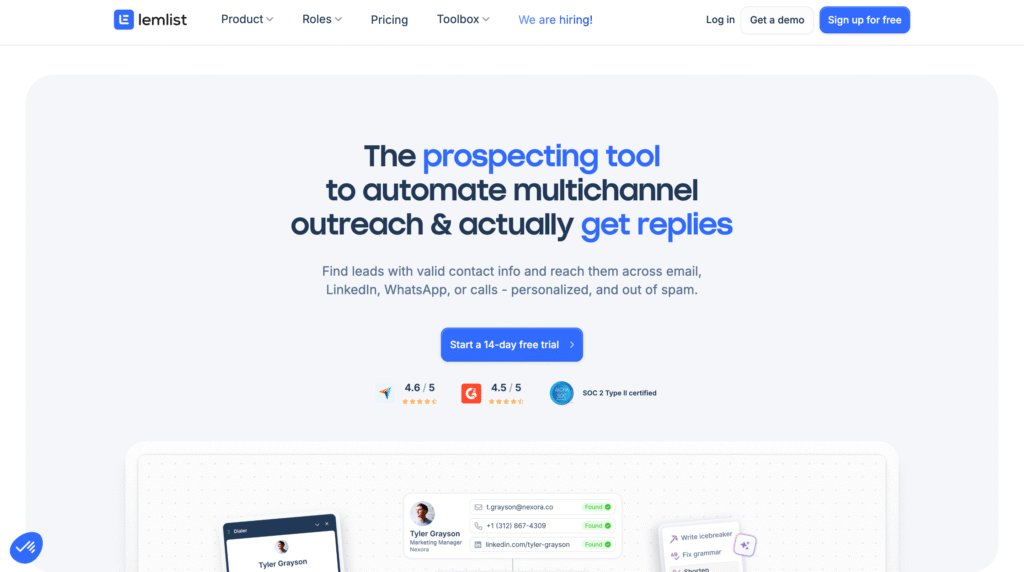
While Smartlead and Instantly fight over volume, Lemlist dominates engagement.
They were the first to introduce “lemwarm” (the original warm-up tool) and “personalized images.”
If you are selling high-ticket enterprise deals ($50k+), sending 1,000 generic emails won’t work. You need to send 50 incredible ones.
Lemlist allows you to dynamically insert screenshots of your prospect’s website, their LinkedIn profile picture, or their company logo directly into the email body.
Key Features:
- Multichannel sequences: You can build a workflow that goes: Visit LinkedIn Profile -> Wait 1 Day -> Send Email -> Wait 2 Days -> Send LinkedIn DM.
- Video personalization: Embed dynamic videos where the thumbnail changes for every recipient.
- Lemcal: A built-in scheduling tool (like Calendly) that reduces friction for booking meetings.
I used Lemlist for a client targeting Creative Directors. We used a template that showed a coffee cup with the prospect’s actual name written on it (digitally). The reply rate was 3x higher than our plain text campaigns.
4. Saleshandy (The Safe Bet for Teams)
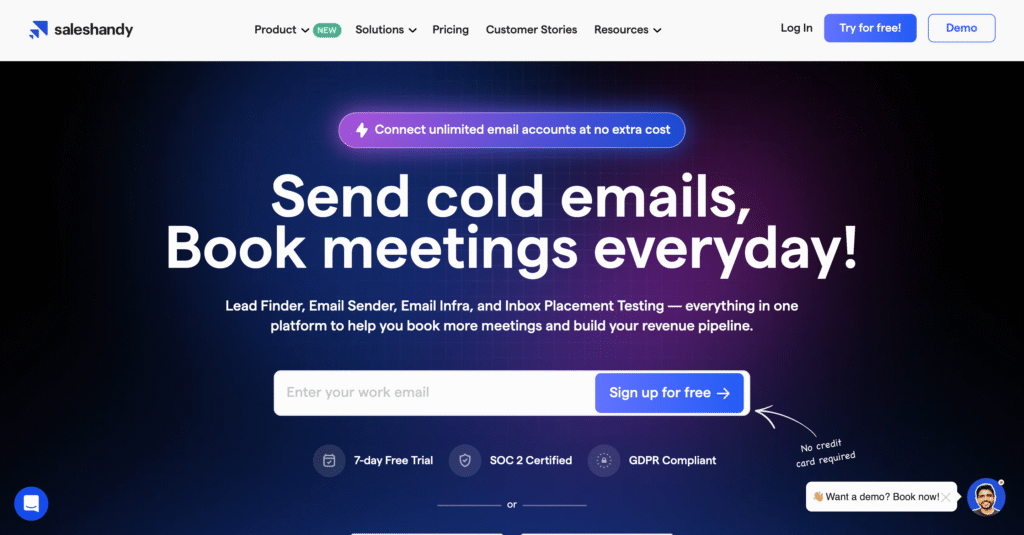
Saleshandy is the “Volvo” of cold email software. It isn’t as flashy as Instantly, but it is incredibly safe, reliable, and compliant.
Saleshandy focuses heavily on “Sender Rotation” logic.
It ensures that no single email account sends more than your set limit (e.g., 30 emails/day). If you try to push it, the system warns you.
This makes it excellent for larger teams where you need to prevent junior sales reps from burning your domains.
Key Features:
- A-Z testing: Test up to 26 variations of email copy simultaneously.
- Unified inbox: Clean, organized response handling.
- LinkedIn plugin: A Chrome extension that helps find emails while browsing LinkedIn.
5. Apollo.io (The Data + Sending Hybrid)
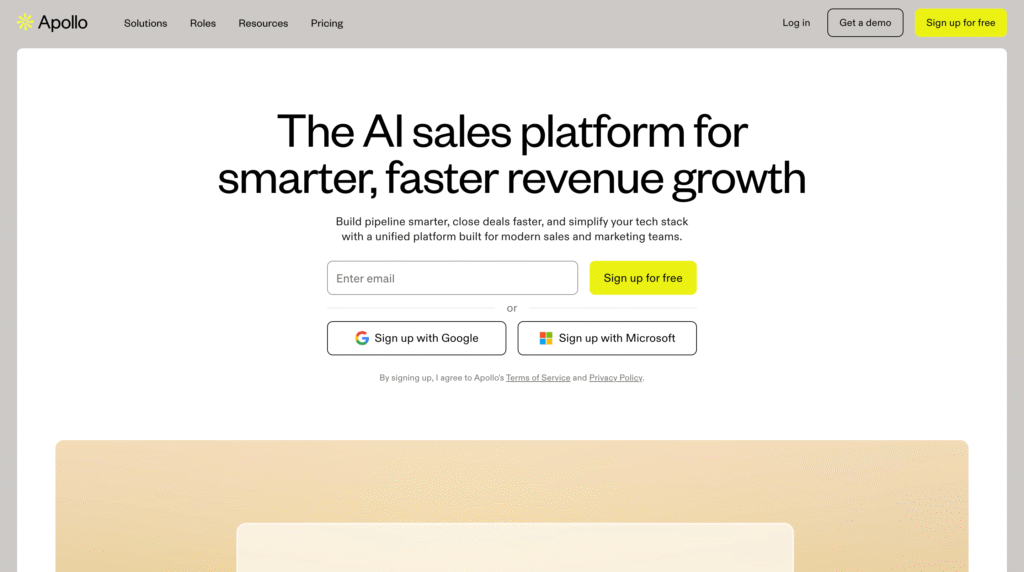
Apollo is a monster database that happens to send emails. It is the default choice for teams that want “All-in-One.”
You don’t need a separate tool for finding emails (like ZoomInfo) and a separate tool for sending them. You can filter for “VP of Marketing in New York,” select 100 people, and drop them into a sequence immediately.
Key Features:
- Massive Database: 275M+ contacts.
- Intent Data: See which companies are actively searching for your services.
- Dialer: Built-in cold calling tool.
6. Woodpecker (The Compliance Specialist)
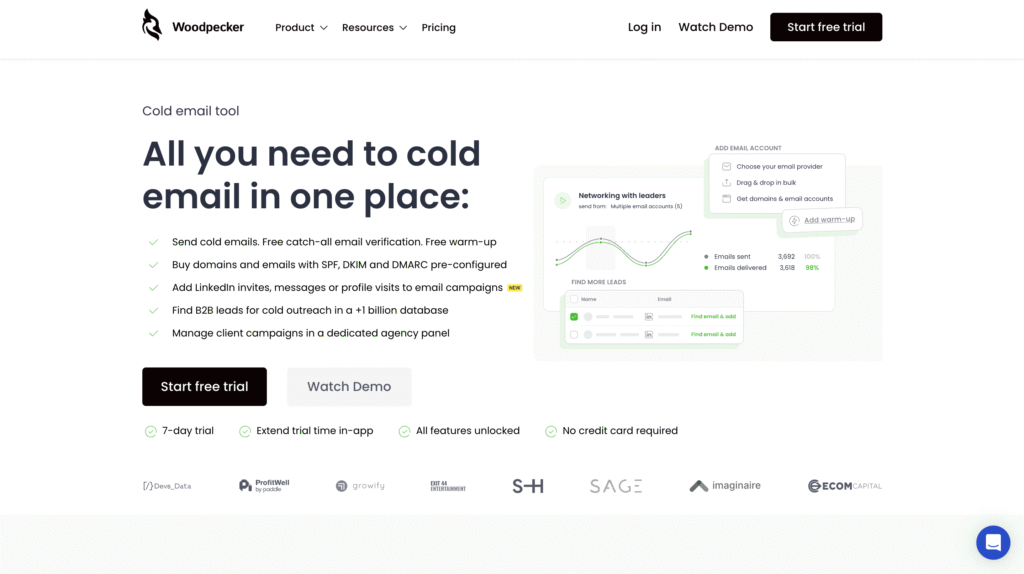
Woodpecker is one of the OGs of the space. They built their reputation on “deliverability security.”
Woodpecker has a feature called “Bounce Shield.” If it notices your bounce rate spiking during a campaign, it will automatically pause the sending to protect your domain reputation.
It is ideal for industries like Finance, Legal, or Real Estate, where you cannot afford to be flagged as spam.
Key Features:
- Condition-Based Campaigns: (e.g., “If they open the email, wait 1 hour and send this. If they don’t, wait 3 days.”)
- Agency Dashboard: Good for managing multiple clients.
7. TrulyInbox (Best for Budget-Conscious Scaling & Warm-up)
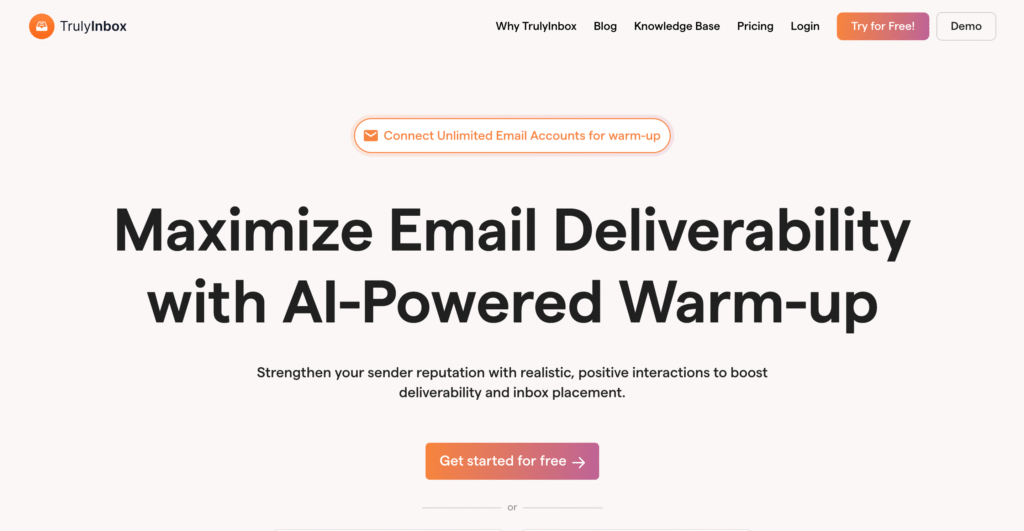
TrulyInbox has gained massive traction in the last 12 months for one specific reason: It broke the pricing model. While other cold email automation tools charge you per email account (e.g., $29/inbox), TrulyInbox offers a flat fee for unlimited email accounts.
If you are a cold email agency managing 50 client domains, or a founder following the “Horizontal Scaling” strategy (using 20+ domains to send volume), paying per inbox on other platforms can cost you $1,000+/month.
TrulyInbox allows you to plug in as many email accounts as you want for a single monthly subscription. It is the most cost-effective way to build a massive sending infrastructure.
Key Features:
- Unlimited email accounts: This is the killer feature. Whether you have 5 inboxes or 500, the price doesn’t skyrocket.
- Human-like simulation: It doesn’t just “ping” other servers. It simulates real human behavior by opening emails, scrolling, marking them as “Important,” and crucially, replying to emails using AI-generated content to create threading (which Google trusts highly).
- Spam rescue: If your warm-up emails land in the Spam folder, TrulyInbox automatically moves them to the “Primary” inbox and marks them as safe. This “training” signals to Google that your domain is legitimate.
- Deliverability health score: A simple, scannable dashboard that gives every single inbox a health grade (0-100), so you know exactly which domains are ready to send and which need to cool down.
FAQ
1. Is cold email actually illegal? (GDPR & CAN-SPAM)
No, but you must follow the rules. In the US (CAN-SPAM), you must include an opt-out link and a physical address. In the EU (GDPR), you need “Legitimate Interest” (B2B only) and must stop if they object. Never cold email personal Gmail/Yahoo accounts in Europe.
2. Why can’t I just use Mailchimp or HubSpot?
You will get banned. These tools use shared IPs designed for newsletters (opt-in). If you upload a cold list, their algorithms will flag the high bounce rate and shut down your account. You must use specialized cold email tools like Smartlead or Instantly that simulate 1-on-1 sending.
3. How many emails can I safely send per day?
30–50 emails per inbox. If you need more volume, do not increase the limit; add more email accounts. Pushing past 50/day is the fastest way to burn a domain.
4. Do I really need to “warm up” my email accounts?
Yes, it is non-negotiable. New domains have no reputation. You must run an auto-warmer for at least 14 days before sending sales emails, or Google will treat you like a spammer. Keep it running 24/7 in the background.
5. What is “Inbox Rotation”?
It is a feature that spreads your sending volume across multiple email accounts automatically. Instead of sending 100 emails from one address, the software sends 20 emails from 5 different addresses. This keeps you under the radar.
6. How many domains should I buy?
1 Domain = 3 Inboxes. Never use your primary corporate domain (e.g., company.com) for cold outreach. If it gets blacklisted, your internal emails will fail. Always use secondary domains (e.g., get-company.com).
7. Should I use open tracking?
Ideally, no. Tracking pixels can trigger spam filters in Outlook and Gmail. Many experts now disable open tracking and measure success solely by reply rate to improve deliverability.
Conclusion
The best cold email software isn’t the one with the prettiest logo; it’s the one that protects your reputation.
If you are scaling an agency, Smartlead is your non-negotiable choice. If you are a founder who wants speed and great analytics, go with Instantly. I
f you are doing high-end, sniper-approach sales, Lemlist is worth the premium.
The point is, all cold email marketing software has some strengths and weaknesses. You try out the trials of each of these cold email tools and then figure out which one works the best for you.
It’s the best way to protect your money and avoid hassles.
